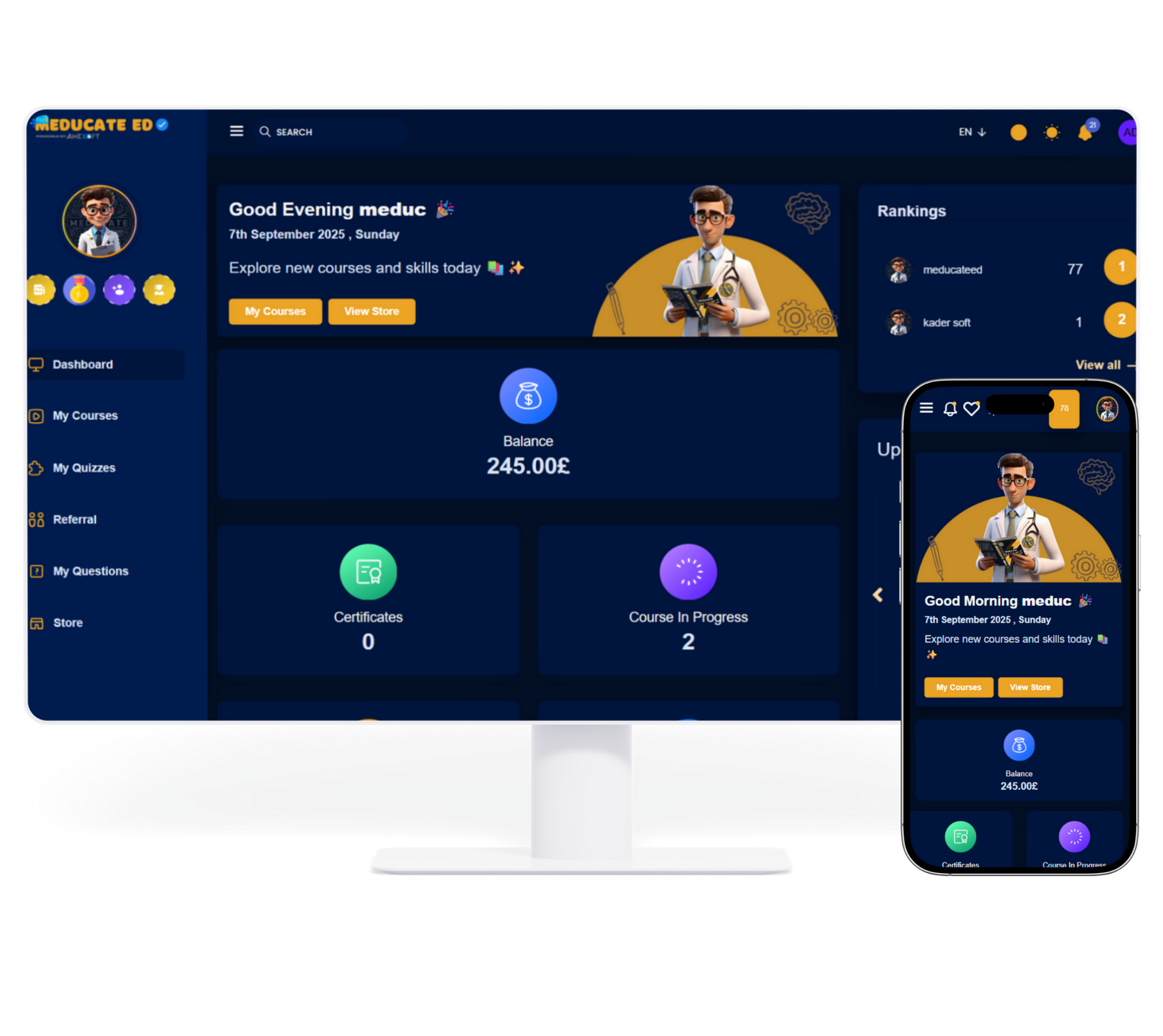
Compatible with Windows 7/8/10/11.
Download MeducateED PC Software

MeducateED PC Software is a secure desktop application that allows medical students and healthcare professionals to access lectures, study materials, interactive tools, and practice questions in one place.
Yes. The MeducateED App is free to install across all supported platforms. Some courses, features, and premium packages may be offered with paid subscriptions or one-time purchases.
The MeducateED App is available on Windows, iOS, and Android worldwide.
Mobile:
PC/Mac:
Windows/macOS: Download the installer from the official MeducateED website and follow the on-screen instructions.
iOS/Android: Install directly from the App Store or Google Play.
All required links are already provided above.
You uninstall MeducateED the same way you uninstall any other app on the device you are using, there is no new or special process. If you are unsure how to uninstall apps on your device, please head to the Windows support page , Apple support page or the Android support page.
Access to MeducateED is limited to a maximum of two registered devices, which are permanently bound to your account. Device changes are not permitted, except under rare circumstances and only upon approval by MeducateED. In such cases, an administrative fee (set by MeducateED) will apply.By installing the software and creating an account, you agree to MeducateED’s Terms of Service, Privacy Policy, and Security Regulations. Your continued use of the platform constitutes acceptance of these conditions.
Yes. MeducateED follows international data privacy and security standards. All personal and academic data is encrypted and handled in line with our Privacy Policy.